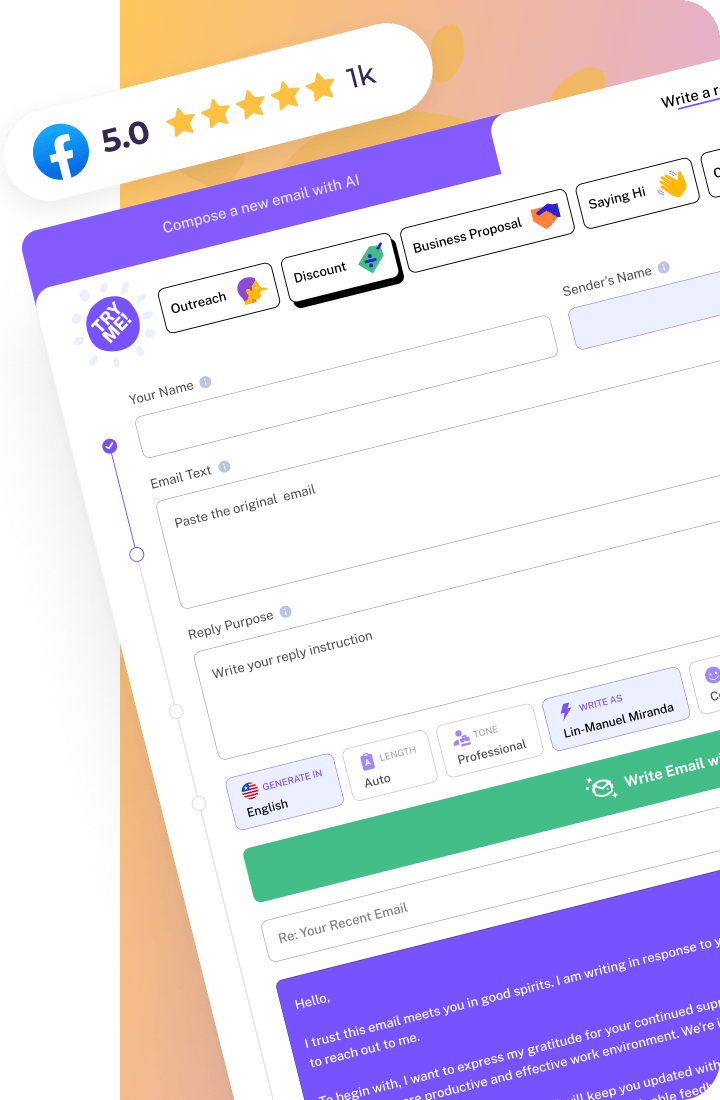

A professional email format is a structured way of composing emails that emphasizes clarity and courtesy. It ensures your messages are effective and well-received, which is crucial in maintaining professional relationships.
Key Elements of Professional Email Format
First, keep your subject line precise and informative. It should give your recipient a clear idea about the email’s content before opening it. For example, ‘Quarterly Sales Meeting Agenda’ is more helpful than ‘Meeting Details.’ Next, always start with a proper salutation. In most professional settings, ‘Dear [Name],’ is a safe bet. This might sound basic, but using the correct salutation sets a positive tone right from the start. Friendly greetings are acceptable for colleagues, but stick to more formal ones like ‘Dear’ when addressing clients or new contacts.
Your email body should be concise. Get to the point quickly, ensuring your message is clear and actionable. Bullet points are excellent for breaking down complex information and making it digestible. Also, check your tone—too formal can sound stiff, and too casual might seem unprofessional. When wrapping up, choose your sign-off wisely. For external communications, ‘Best regards’ or ‘Kind regards’ is usually your best choice. While ‘Cheers’ might be fine among close colleagues, it can feel too casual with external partners.
Common Mistakes to Avoid
Overlooking the importance of proofreading can be detrimental. A typo or grammatical error might not seem significant but can tarnish your professional image. Read your email aloud to catch mistakes your eyes might miss. Avoid being too verbose. It’s tempting to include every possible detail, but it can overwhelm the reader. Stick to what’s necessary. Lastly, always double-check the recipient’s email address, especially when dealing with a group email; sending it to the wrong person can lead to awkward follow-ups.
Examples
Here’s an example when sending a project update to your team:
And here’s one when following up on a meeting request with a client:
How WriteMail.AI Helps You With Professional email format
WriteMail.AI can craft your emails with precision, ensuring your message is both clear and professional. It picks the right words so your tone is just right, whether casual or formal, depending on who you’re emailing. Save time and communicate confidently.