
A confirmation email is a message sent to acknowledge that an action or decision is complete, such as booking a flight or registering for an event. This helps reassure the recipient that their request has been successfully recorded and processed.
What You Need to Know
The purpose of a confirmation email is to provide assurance that a task has been completed as intended. Think of it as your digital receipt. Whether you’re securing a seat on a plane or registering for a webinar, a confirmation email confirms your successful action. Now, when it comes to crafting these emails, you want clear, concise communication. Avoid heavy jargon or overly formal language unless the situation calls for it. It’s typically fine to keep it brief and straightforward, especially for internal confirmations within a team. However, for client communications, clarity and professionalism are key.
Common Mistakes
Avoid sending a confirmation email that lacks clarity in the message. Many fall into the trap of vague subject lines like “Success!” which can easily get overlooked. Be specific. Use a subject like “Your Ticket Booking Confirmation” to ensure your recipient knows exactly what the email is about at a glance. Another pitfall? Overloading the email with unnecessary details. Stick to the essentials: what was confirmed and any next steps if needed. And, don’t forget to check for typos in critical details; you wouldn’t want to mix up a recipient’s name or the date of their appointment, would you?
Examples of Confirmation Emails
Here are examples showing confirmation emails in action:
Example for a flight booking confirmation:
Example for a meeting registration confirmation:
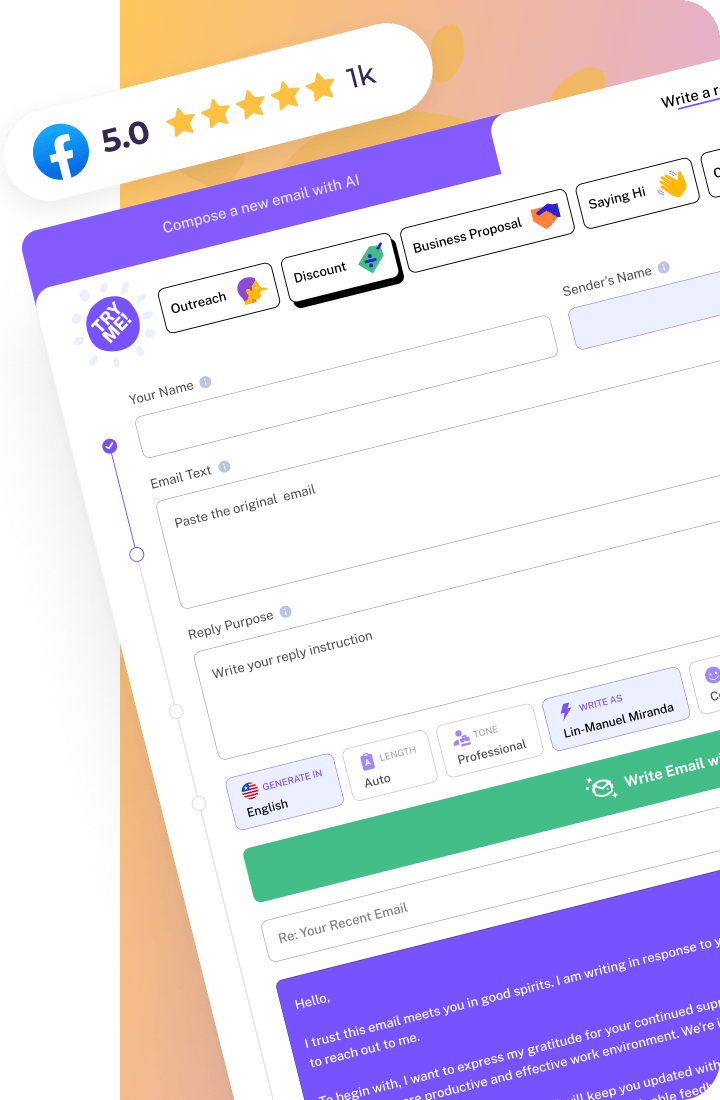
How WriteMail.AI Helps You With Confirmation email
WriteMail.AI simplifies crafting clear, efficient confirmation emails by generating concise content automatically. You provide the details; it handles the rest, ensuring your message is clear and confirmation errors are avoided.