

Back in 2012, the McKinsey Global Institute looked at where a workweek goes and found that the average interaction worker spends an estimated 28 percent of the workweek managing e-mail. That’s more than one full workday out of five, and the figure has stayed in circulation for fourteen years because nobody who opens their inbox on a Monday morning calls it exaggerated. If anything, it runs light.
The question that follows is whether an AI email writer can hand some of that time back without taking something you care about in return, like your voice or the reader’s trust. Both choices cost something. Here’s what each one buys, where each one breaks, and a way to run both together that covers most of the weaknesses.
What an AI email writer does well
It’s fast, and the fast version is still good.
In a 2023 study published in Science, two MIT economists followed 453 college-educated professionals through writing tasks that included emails. With ChatGPT, they finished 40% faster, and independent evaluators rated the output 18% higher in quality. That second number is the one worth staring at. Speed that makes writing worse is easy to find; speed that makes it slightly better changes how much of your week email gets to keep.
It kills the blank page.
The first sentence is the expensive one. Once a draft exists, even a mediocre one, you’re reacting instead of composing, and reacting is faster for almost everybody.
It keeps you steady when you’re drained.
The email you write at 4:45 on a Friday reads differently from the one you write at 9 on a Tuesday. A drafted structure doesn’t get tired, so the fifth follow-up you send this week sounds as put-together as the first.
It handles languages you didn’t grow up with.
If you’re a freelancer landing clients abroad, or a small business answering suppliers overseas, a good tool writes in dozens of languages and switches between them without a dictionary tab open all day.
Where it costs you:
Heavy use reads as less sincere.
A 2025 survey of 1,158 full-time U.S. professionals by Peter Cardon of USC and colleagues showed participants example emails written with different levels of AI help. The ones written with heavy AI use were rated as less sincere, caring, and competent. The broad takeaway from the researchers: the heavier the AI use, the bigger the penalty. Hold that next to the first study. Same tools, opposite reactions, and the difference is how much of the message was yours.
It sounds like everyone else unless you push back.
Left alone, drafts drift toward the same safe opener and the same tidy close. That’s fine for a scheduling email and fatal for one where a client needs to feel understood.
It can state the wrong thing with total confidence.
If your key points are vague, the draft will guess: a meeting time, a price, a name. Some of those guesses will be wrong, and you’re still the one sending.
It doesn’t know the history.
You know this client is on their third invoice dispute. The tool knows only what you typed.
What writing emails yourself does well
Your voice survives.
People who get a lot of email from you recognize how you write, the way they’d recognize you on the phone. That recognition is hard to fake from a template.
You carry the relationship in the wording.
You know what this person is proud of, what they’re sore about, what you two joked about last week. That knowledge is the difference between an email that’s correct and one that lands.
You control emotional precision.
A condolence note, an apology, a hard message to a teammate: the exact weight of each word is the whole point, and only you know what it should be.
There’s nothing to check.
Every name, date, and figure in the message is one you put there on purpose.
Where it costs you:
It’s slow. The productivity research says a good chunk of writing time is recoverable. Writing everything by hand is declining that offer.
Routine messages cost the same effort as important ones. “Can we move the call to 3?” takes ten minutes of fiddling when you’re tired, and you send twenty of those a week.
Quality tracks your energy. Nobody writes their best email at the end of a long day. The ones that go out late are the ones you’d rewrite if you had the strength.
Another language, another hour. If you’re writing in your second language, you spend the time an AI would have saved you, and the result is usually stiffer.
Quick comparison
| DIMENSION | AI EMAIL WRITER | WRITING IT YOURSELF | HYBRID (AI DRAFT + YOUR EDIT) |
| Speed | Draft in seconds | Minutes, longer for hard ones | Minutes, most of it editing |
| Personal voice | Generic until you edit it in | Unmistakably yours | Yours from the first edit |
| Other languages | Strong | Depends on you | Strong, then you adjust |
| Learning curve | One afternoon | None | One afternoon, then habit |
| How readers perceive it | Sincerity drops with heavy use | Clearly your voice | Reads as your own |
| Emotional nuance | Only as good as your input | Built in | There if you supply it |
| Effort on routine emails | Almost none | Same as important ones | A short edit pass |
| Cost | Free tier or a few dollars a month | Your time | Same, plus a little editing time |
| Consistency | Same structure every time | Varies with your day | Steady draft, your finish |
| Accuracy and fact risk | Confidently wrong sometimes | You checked every word | You catch it before sending |
Read down the hybrid column and the argument for the workflow later in this piece makes itself: it takes the speed the tool offers and keeps the judgment with you. The two pure approaches win only on the rows where their weakness doesn’t matter, and the next table shows which emails those are.
Best use cases for an AI email writer
Cold outreach. There’s no relationship yet, so there’s nothing to damage, and the recipient is judging your message against a hundred other inboxes. Structure and polish carry more weight than personality here.
Follow-ups. The second and third nudge are where most people burn real time. The message barely changes between attempts, so a draft gets you 90% of the way there.
Routine replies. Confirmations, scheduling, “here’s the document you asked for.” If an email could be a template, let something draft the template.
Emails in another language. The clearest win on this list, for the reason above.
Cancel-subscription and refund requests. Awkward, formulaic, and easy to postpone for a week. A solid draft in ten seconds gets the thing sent.
Job application emails. The note to a hiring manager is judged partly on polish, and you get one first pass. The personal detail that makes a cover letter specific is still yours to supply.
The blank-page freeze. Some emails stall for no good reason. When you’ve reread your own three-line draft six times, generating something and cutting it down beats another twenty minutes of staring.
Best use cases for writing it yourself
Condolences and serious personal news. For my money this one has no exceptions worth arguing. The person on the other end isn’t evaluating your efficiency.
Apologies to people who know you. If they’ve read a hundred emails in your voice, a different hand will feel off to them even if they can’t say why. Keep the drafting help for the practical parts, like rescheduling whatever you broke.
Sensitive feedback to your team. This is the exact situation from the trust research. Your team watches how you communicate all year, and a message that reads half-generic undercuts the hard conversation you’re trying to have.
Salary and contract negotiations. Terms, numbers, commitments. A guessed figure is expensive, email can’t be unsent, and precision is the whole job here.
Anything where the relationship is the message. A test I use before sending: am I passing along information, or am I showing this person I thought about them? If it’s the second, write it by hand.
Which approach for which email
The two lists above, as a lookup table:
| EMAIL TYPE | BEST APPROACH | WHY |
| Cold outreach | AI draft | No relationship yet, so polish carries it |
| Follow-ups | AI draft | The message barely changes between attempts |
| Routine replies | AI draft | These could be templates anyway |
| Emails in another language | AI draft | The clearest win for a drafting tool |
| Cancel and refund requests | AI draft | Formulaic and easy to postpone |
| The blank-page freeze | AI draft | Reacting to a draft beats composing |
| Job application emails | Hybrid | Polish counts, the specific detail is yours |
| Condolences and serious personal news | Write it yourself | The reader isn’t judging your efficiency |
| Apologies to people who know you | Write it yourself | They know exactly how you write |
| Sensitive feedback to your team | Write it yourself | Half-generic undercuts the hard conversation |
| Salary and contract negotiations | Write it yourself | A guessed number is expensive |
| Emails where the relationship is the message | Write it yourself | Showing thought is the whole point |
A hybrid workflow that covers both weaknesses
Most people who write a lot of email land somewhere in the middle, and the version that works is simple: let a tool draft, then make the last stretch yours.
- Get the key points down first. Two or three lines on what this email must say, before you open anything. Voice input works if typing is slow.
- Generate the draft. Pick the length, tone, and style you’d have aimed for yourself. Answering someone? Paste their email in and work from reply mode.
- Cut the warm-up. Your first edit is usually deletion. The “I hope this finds you well” paragraph goes first.
- Add one detail the machine couldn’t know. A single sentence of shared context changes how the whole message reads. This step is where the sincerity penalty from earlier gets paid down.
- Check the facts. Names, dates, amounts, anything you promised to attach. Every time.
- Send from your own inbox. The tool drafts, your mail account sends, and the trail looks normal to whoever reads it.
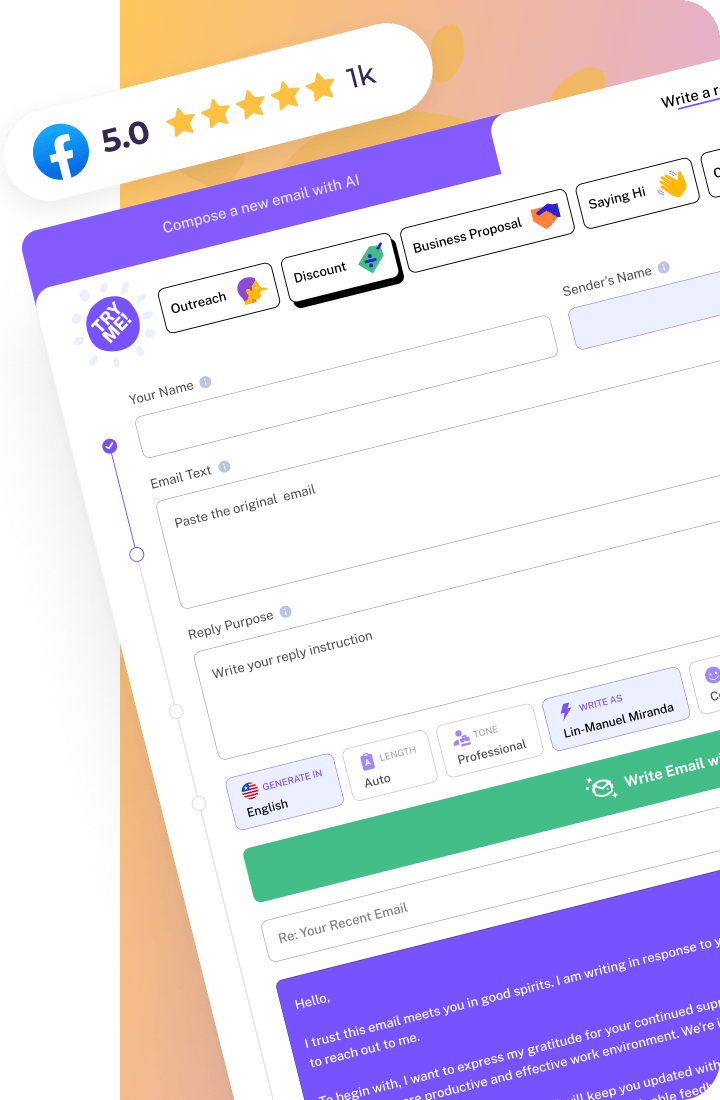
This is the loop WriteMail.ai is built around. You type or dictate the key points, choose a tone (casual, formal, friendly, professional) and a style, and set the length; if you’re answering someone, reply mode drafts your response from the email you received. The finished draft hands off to your Gmail or Outlook through a browser extension or add-in, and the tool never sends anything itself. The company also says generated messages never touch its servers, if that’s the kind of thing you check before trying a service. Paid plans run $6.95 to $19.95 a month depending on volume, and you can test the whole loop on the free plan first.
Quick answers
Will people be able to tell I used AI?
- After a normal edit pass, usually not, because the tells are the generic openers you’d cut anyway. The research penalty showed up with heavy reliance, not with a draft you finished in your own voice.
Is it dishonest to send an AI-drafted email?
- My take: no more than sending from a template or running a grammar checker. It turns dishonest when the content misrepresents something, like facts you didn’t check or a relationship you’re pretending is closer than it is.
Do I need to be good at prompting?
- No. Two or three clear key points plus a tone choice beats a paragraph of instructions every time I’ve tried both.
Will this erode my writing skills?
- The typing gets faster. The judgment, deciding what’s worth saying and to whom, stays yours, and the hybrid workflow keeps you in that part.
Conclusion: run both, on purpose
Email isn’t a single activity, so it doesn’t need a single method. Give the formulaic half to a drafting tool and spend the saved hours on the messages where your own hand is the point. If you want a tool for the drafting half, WriteMail.ai‘s free plan gives you 5 emails a month with no credit card required. Start with the follow-ups and scheduling replies you dread, and if the drafts come out workable after two minutes of your editing, you’ve answered the question for yourself. Create your free account and see.