

AI emails run long, formal and a little too cheerful, and readers react when they suspect a tool did most of the work. Here are seven edits, each with a real before and after, that bring your voice back. You will also see which messages are worth writing yourself.
How to Make AI-Written Emails Sound Human: 7 Edits That Work
You asked an AI to write a two-line reply. It handed back five paragraphs, including a sentence about “fostering collaboration.” You trimmed a little, hit send, and felt like you had mailed someone else’s letter.
That feeling is worth listening to. Your reader may have it too.
This guide covers why AI email reads the way it does, seven edits that pull a draft back toward your voice, and the few messages you should write yourself. Every edit comes with a before and after, so you can borrow the fix as you read.

Why readers care who wrote it
A 2025 study in the International Journal of Business Communication, summarized in a University of Florida news release, put numbers on this. Researchers Cardon and Coman showed about 1,100 US professionals a team-congratulations message from a supervisor. Everyone was told how much AI the supervisor had used to write it.
When the help was light, 83% of readers saw the supervisor as sincere. When it was heavy, only 40% to 52% did. On professionalism, 95% rated the low-AI messages as professional. That fell to 69% to 73% when the supervisor leaned heavily on AI.
Look closely at the setup. Readers were told. This does not show that people can spot AI by its style. It shows what happens once they know or suspect that a manager let a tool do most of the work. They begin to question “the authorship, integrity, caring and competency of their manager.” Light help, like grammar fixes and editing, was “generally acceptable.”
So the real risk is not a detector flagging you. It is the person reading your email deciding they got a template instead of you. The edits below aim at that. None of them is a way to fool software, and no edit guarantees anything.
What AI email looks like by default
Li, Lai, Soni and Saha compared GPT-4 emails with human emails in a 2025 paper for the ACM Web Science conference. Their summary: AI-generated emails “tend to be more formal, verbose, and complex, whereas human-written emails are often more concise and personalized.”
The numbers show the gap. The average GPT-4 email ran 193 words and 9.81 sentences. The human average was 68.8 words and 4.14 sentences. On a formality score from 0 to 1, AI landed at 0.80 and humans at 0.52.
Two more findings matter for your edits. AI was slightly more polite, though both sides showed a similar level of empathy. And AI replies repeated more of the original thread’s wording back to the sender (0.47 on the study’s repeatability measure, against 0.31 for people). One sample reply opens with “Thank you for reaching out with your query regarding the difficulty in accessing the file” and carries on from there. Survey participants described AI text as “robotically warm-hearted” and “excessively polite and positive.”
One caution. The human emails in that study came from a W3C technical mailing list, so your office may write differently. Use the findings as a checklist for your own drafts, not as a law of nature. If you have ever read an AI draft and winced, you will probably recognise most of the list anyway.
Seven edits that make an AI draft sound like you
1. Start with the reason you are writing
A stock opener many readers now associate with AI is “I hope this email finds you well.” It is not wrong. It is just a sentence you would never say to a coworker you talk to every day. The same goes for the bracketed greetings and “Dear Sir or Madam” the Li study found in template output.
Drop the formality one notch. Write the first line the way you would say it across a desk, and save it for the point.
AI Draft
Human version
The second version carries a question, a day, and a reason in 19 words. Dana can answer it in one line.
2. Cut the length in half, then trim again
Remember the gap between 193 and 68.8 words. You do not need to hit the human number, but it is a fair gut check for a routine request. If your email is three times longer than the question deserves, readers will skim it, and skimmers miss the one line you needed them to see.
Three cuts do most of the work. Delete the warm-up sentence. Delete any thanks given in advance. Delete the closing offer to help. What survives should say what you need, by when, and why.
AI Draft
Human version
Notice that the human version also tells Priya where to look. The AI version asks her to guess.
3. Stop repeating the sender’s words back
This is the edit most people forget. AI replies love to restate the message before answering it, which is the “repeatability” gap in the study. Your reader knows what they wrote. Answer in the first sentence.
Say a colleague writes, “I can’t open the forecast file.” Here are two replies.
AI Draft
Human version
The human version fixes the problem, says what to do next, and stops. It also sounds like a person who just noticed their own mistake, which is exactly what happened.
4. Add one detail only you could know
If you make only one edit, make this one. Put in a name, a date, a number, or a shared memory. Template output such as “Hi [Colleague’s Name]” shows what is missing: the model has the pattern of a follow-up but none of your facts.
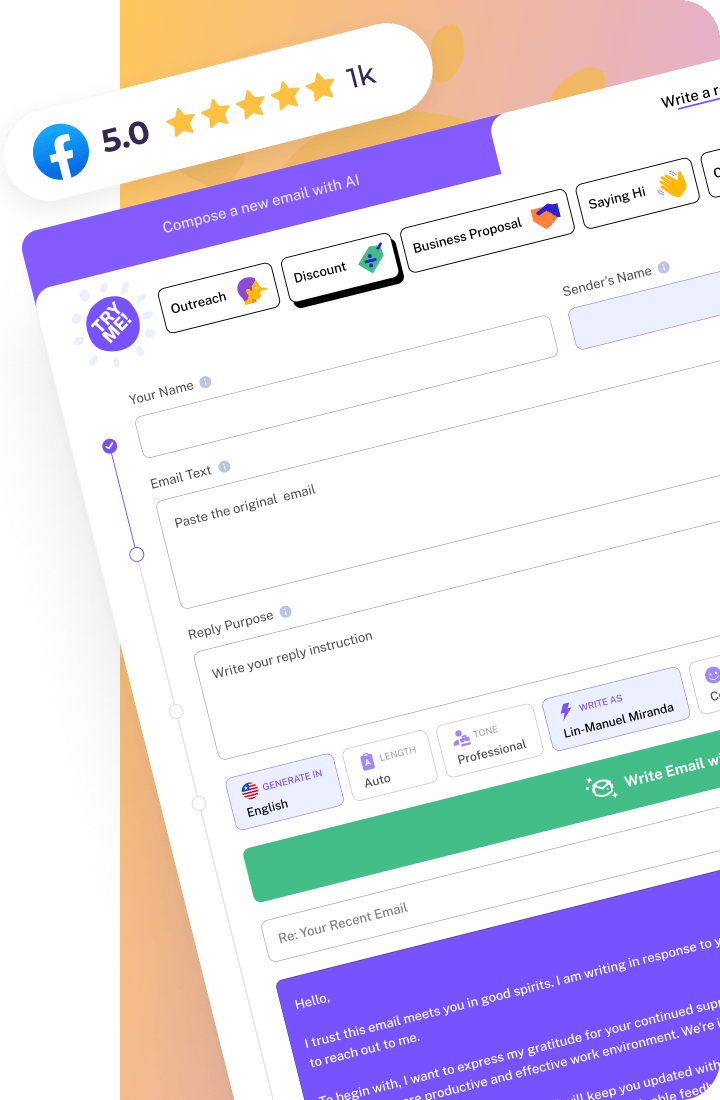
This is where a tool like WriteMail.AI fits well. Let it set up the structure and the polite scaffolding, then spend your editing minutes on the line only you can write.
AI Draft
Human version
The AI follow-up could be sent to anyone about anything. The human one could only be sent to Tom. That is the difference readers feel.
5. Turn down the politeness and the cheer
The Li study found AI emails slightly more polite, and its survey respondents called AI text “excessively polite and positive.” You have seen the pattern: exclamation points everywhere, every colleague “outstanding,” every project “exciting.”
Check each warm word. Cut superlatives. Keep one thank-you, not three. Then get your warmth back by being specific about what the person did, since a named detail reads as sincere in a way that praise adjectives cannot.
AI Draft
Human version
A note on this one. Praise is exactly the kind of message the Florida summary says needs the least AI help, and you will find that advice in the section on writing it yourself below. Treat the AI draft here as a thing to avoid, not a base to edit.
6. End the way you actually end
“Please do not hesitate to reach out if you have any questions” and “Feel free to reach out” are stock closers that readers have seen thousands of times. That is a common observation rather than a research finding, but you have probably made it yourself.
A real closer says what happens next: who sends what, and when. Then sign off the way you sign off in your other emails. If you write ” Thanks, Jordan” to everyone, a sudden “Warm regards, Jordan Reeves” is the sort of change a regular correspondent notices.
AI Draft
Human version
7. Swap the favoured words, then read it aloud
Researchers led by Kobak analysed more than 15 million PubMed abstracts for the journal Science Advances and found that certain words surged once AI tools arrived. “Delves” was 28 times more common than expected in 2024, “underscores” 13.8 times, and “showcasing” 10.7 times. Their list also includes meticulous and multifaceted.
That is scientific writing, not email, so do not treat it as a banned-word list for your inbox. Still, if a colleague who normally writes “show” and “stress” suddenly starts sending you “showcasing” and “underscores,” you notice. Plain swaps cost nothing.
Other habits are often pointed out too: em dashes everywhere, neat lists of three, “not just this but that” sentences, and hedging on every claim. These are common observations, not findings, so use them as prompts to look again rather than as rules.
AI Draft
Human version
Finish by reading the email aloud, or by comparing it with the last one you sent that person. If you would never say a sentence, cut it. And do not treat any single trick, such as adding contractions, as a disguise. Readers lean on surface cues like that, and the cues can mislead. The goal is an email that sounds like you, not one that passes a test.
The three versions side by side
| AI Default | Human-Edited AI | Written from scratch | |
| Length | Long, padded | Trimmed to the point | Short, as needed |
| Opening | Stock greeting | Straight to the reason | Whatever you’d say |
| Tone | Formal, upbeat | Plain, close to yours | Sounds like you |
| Details | Generic, templated | One real detail added | Full personal context |
| Echoing the thread | Heavy repetition | Mostly removed | Rare |
| Closing | Stock offer to help | Clear next step | Your usual habit |
| Effort | Seconds | A few minutes | Longest |
For routine mail, the middle column is where most people should live. You keep most of the speed and still own the voice. The last column costs more time, but for some messages it is the only honest choice.
When to write it yourself
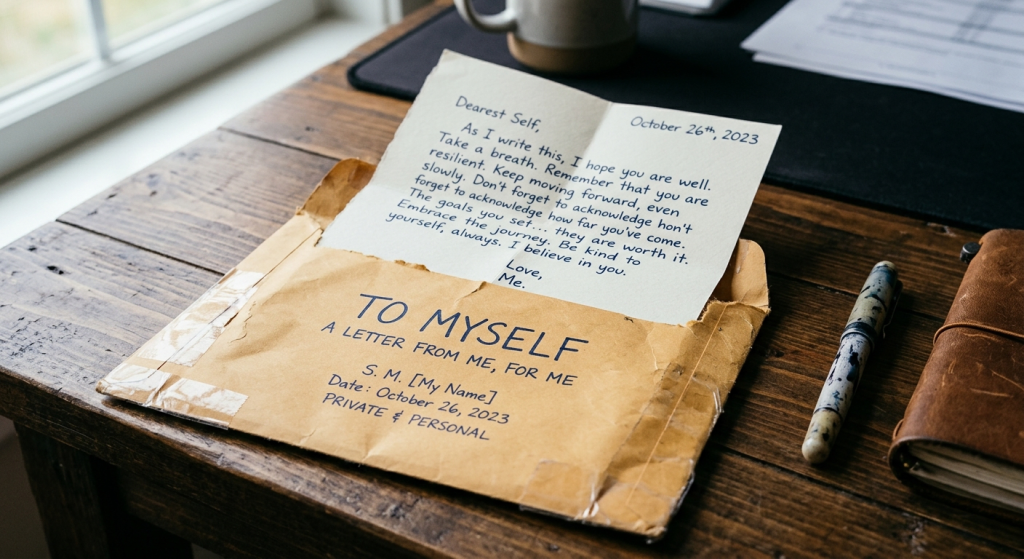
Not every email deserves the same treatment. The Florida summary says relationship messages “requiring empathy, praise, congratulations, motivation or personal feedback are better handled with minimal technological intervention.”
In practice, write these yourself, even if only three lines:
- A thank-you or congratulations to someone on your team
- Feedback on a person’s work, good or bad
- An apology
- Anything delivering difficult news
For those, a grammar check is fine, and the study found light help generally acceptable. A full AI draft is where the sincerity numbers fell.
Meanwhile, scheduling notes, status updates, meeting recaps and routine requests are a good fit for drafting help. Those are the emails nobody expects to be heartfelt, and getting them done quickly leaves you more time for the ones that matter.
Conclusion: Your next email
You do not need to apply all seven edits every time. Pick one for your next AI draft. Cutting it in half is the easiest place to start, and adding one real detail is the one with the biggest payoff.
If you draft with WriteMail AI, treat what it gives you as a fast first pass. Trim it, put in the detail only you know, end it the way you normally would, and send it as yourself.