























Are you visiting WriteMail from outside your region?

Visit your German site for better experience.

Go to WriteMail German Language icon Continue to WriteMail English Language icon
Emails image

Professional Email Drafting 87% Faster

AI email writing that adapts to every audience — polished output, not generic templates.

Start Writing Free

No credit card required · Free forever plan

320k+ users

Trusted by professionals worldwide

50M+ emails

Generated and counting

750k+ hours

Saved on email writing

4.9

Average user rating

intro link
Enter the name you want to appear in your email's signature.
Your name

0 / 250

Specify the name of the person or organization you are writing to.
Receiver (Person or Company)

0 / 250

Clearly describe the goal or desired outcome of your email in a few words.
Choose a template
For best email results, provide only key points in any language:
- main point
- important point
- next points
- final point

The AI will use these to generate a complete email.

0 / 2000

Generate My Email with AI
Copied!
From your default email client Send Email
Copied!

WriteMail.ai values the privacy of users and takes steps to ensure that all generated messages never touch our server. Your personalized options are stored in a browser cookie rather than in our database.

Mail Assistant
New v2
WriteMail.ai's style switcher helps nail the right tone every time, whether you're writing a formal business email or a casual note to a friend.
Go Pro
Mail assistant is only available in our paid plans.
1

Writing emails shouldn't feel this hard

You stare at a blank email for 10 minutes, rewriting the same sentence over and over

You worry your emails sound too cold, too casual, or just... off

You spend hours on email when you should be doing actual work

You're not alone. 320,000+ professionals felt the same way — until they tried WriteMail.ai.

Logo

AI Email Drafting for Singapore Teams

Polished cross-cultural correspondence — drafted in seconds.

Drafts 87% Faster

A few notes become a finished, send-ready email in seconds. Reclaim time your team currently spends polishing drafts.

Right Tone for Every Audience

Adjust formality and tone for an ASEAN partner, a Western client, or a regional HQ — output reads naturally for each.

30+ Languages, Native Quality

Beyond English, the AI produces native-quality output in Mandarin, Bahasa Melayu, Tamil, Japanese, and more — useful in a multilingual hub.

Built for Every Email Type

Client outreach, supplier negotiations, internal updates, customer support, recruiting — one tool covers them all.

Privacy by Default

Drafts and personalisation settings are never stored on our servers. Your content stays yours.

Lives Inside Your Inbox

The Chrome extension brings AI assistance directly into Gmail and Outlook. No tab-switching, no copy-paste.
Why wait to write better emails?
Get started for free and write professional emails 87% faster
  • AI-powered Email Generator
  • Emails That Sound Like You
  • Get More Email Replies
  • 30+ Languages Supported
advantages

AI Email Writer for Smarter and Faster Communication

Transform the way you write with an AI email writer that adapts to your style, improves clarity, and helps you send better messages in less time.

advantages

Professional Email AI Writer Designed for Business Needs

Our professional email AI writer supports teams, executives, and entrepreneurs by creating polished, context-aware emails that build trust and close deals.

advantages

Email Writing AI Tool That Delivers Results

From quick replies to detailed business proposals, this email writing AI tool ensures every message is clear, impactful, and aligned with your goals.

chrome-icon
Extension
Would you be interested in enhancing your Gmail, Outlook, and Hotmail with WriteMail.ai extension?
Logo

The Birth of WriteMail.ai

From Email Overwhelm to AI-Powered Efficiency

help-guides

I used to spend hours each day wrestling with emails. Every message felt like a high-stakes battle against typos, grammatical errors, and unclear phrasing.

I longed for a way to communicate effectively without the stress and time commitment of crafting perfect emails.

Then, the rise of AI sparked an idea. What if there was a tool that could help people like me write emails faster and more effectively?

A tool that could take care of the mechanics of writing, allowing users to focus on the message itself?

Background picture

That's how WriteMail.ai was born.

WriteMail.ai is designed to empower anyone who feels overwhelmed by email writing.

It leverages the power of AI to help you compose professional, grammatically correct emails in a fraction of the time.

Story picture

Join the growing base of WriteMail.ai users and experience the power of AI-powered email writing for yourself.

Compose emails with confidence

Never again worry about typos or grammatical errors undermining your professionalism.

Make a great first impression

Ensure your emails are always clear, concise, and impactful, leading to better communication and outcomes.

Focus on your message, not the mechanics

Spend less time agonizing over word choice and sentence structure, and more time on the purpose of your email.

Increase your email productivity

Respond to emails faster and clear your inbox quicker, freeing up time for other tasks.

WriteMail.ai is more than just an email tool; it's a communication revolution. It's about empowering people to connect effectively and efficiently, without the stress and time commitment of traditional email writing.
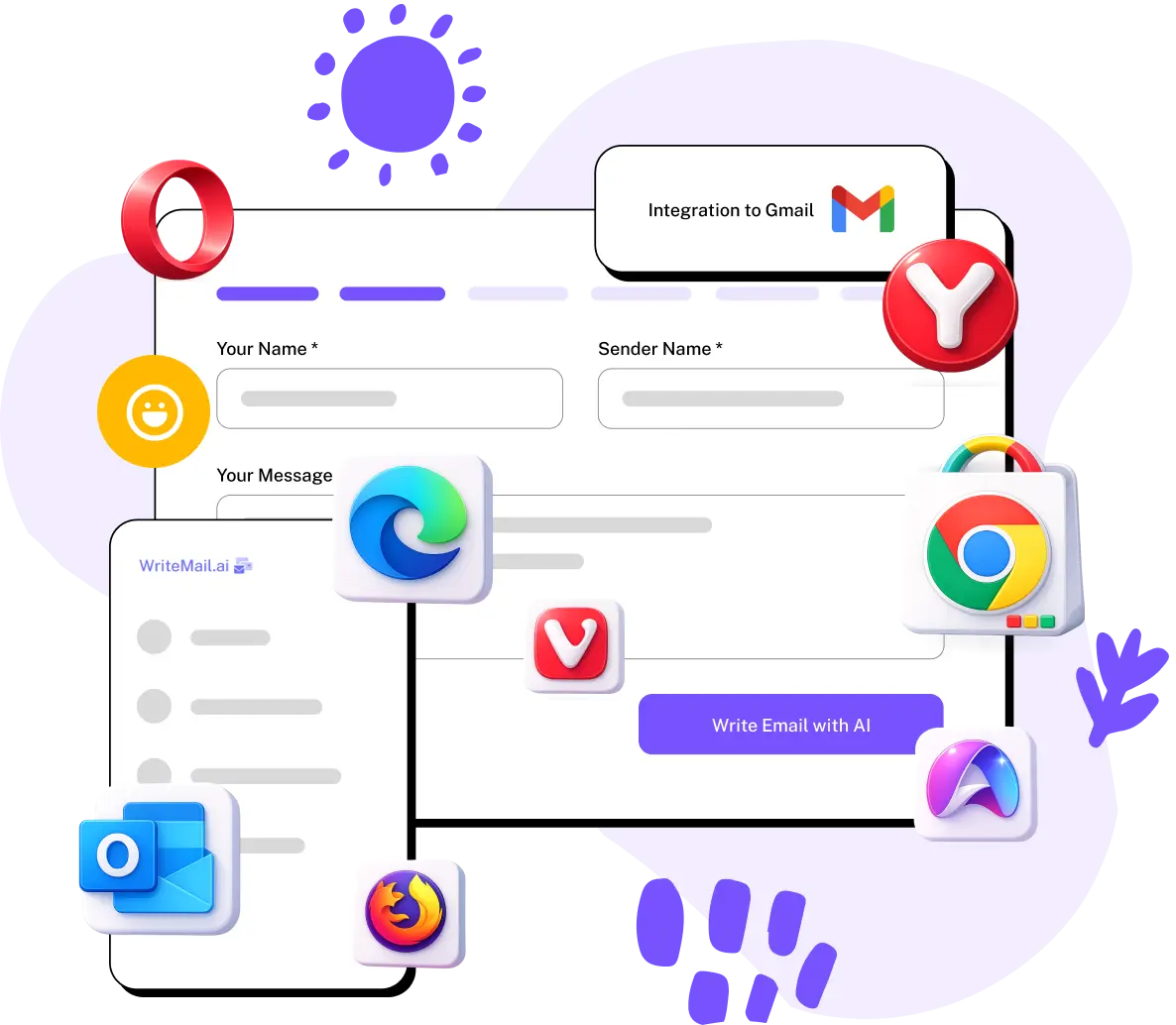
seamless-gmail

Seamless Gmail Integration with WriteMail.ai

Experience the ultimate ease of email writing with WriteMail.ai's Chrome extension for Gmail. Say goodbye to writer's block and hello to effortless email composition.

Generating replies and crafting new emails has never been simpler. With WriteMail.ai at your side, your Gmail inbox becomes a productivity powerhouse. Enjoy AI-powered email suggestions that adapt to your unique style, making email communication a breeze.

It's time to supercharge your Gmail experience with the perfect email writing companion: WriteMail.ai — Email Writing Effortless with AI.


Try it now
Trusted by Singapore Professionals
From CBD finance to regional HQs — Singapore professionals use WriteMail.ai for sharp, multicultural business communication.
320k+ Users
50M+ Emails Generated
750k+ Hours Saved
4.9 ★ Average Rating
As someone who writes dozens of emails every day, Writemail has been a lifesaver. It helps me respond quickly to customers while still sounding polite and professional. It saves me at least an hour a day, and my responses are now clearer and friendlier.
user
Rajesh Nair
Reviewed on August 29th, 2025
In real estate, communication is everything. I use Writemail to draft quick updates for clients, confirm viewings, and follow up after meetings. The tool keeps my messages concise but still professional, which is perfect since clients often skim emails on their phones.
user
Sofia Mendes
Reviewed on August 11th, 2025
I handle sensitive messages daily, from job offers to policy updates. Writemail helps me write emails that are clear, respectful, and professional. It takes the stress out of wording tricky messages, and I can focus more on people instead of rewriting drafts all day.
user
Daniel Kim
Reviewed on February 6th, 2025
Working in a regional HQ in Raffles Place, I write to colleagues in Tokyo, Mumbai, Sydney and London every single day. Writemail handles the tonal nuance across all those audiences — formal where needed, relaxed where appropriate.
user
Wei Lin Tan
Reviewed on October 12th, 2025
I run a logistics firm with operations across SE Asia. Vendor emails, customs paperwork follow-ups, client updates — all in English but with very different tones. Writemail keeps everything consistent and saves my team hours every week.
user
Suresh Nair
Reviewed on September 7th, 2025
Fintech founder in Singapore raising from regional VCs. Investor updates, partner negotiations, hiring outreach. Writemail keeps my tone polished even at midnight, which is when I actually get to my inbox.
user
Cheryl Lim
Reviewed on August 19th, 2025

Still not sure? We get it.

Here's why 320,000+ professionals trust WriteMail.ai

It sounds like you, not a robot

WriteMail.ai learns your tone, style, and preferences. Every email feels authentically yours — colleagues won't know the difference.

Your emails stay private

We never store or read your content. Your data is processed in real time and never saved on our servers. Period.

Try it free, cancel anytime

No credit card required. Start with the free plan and upgrade only when you're ready. No commitments, no tricks.

Background picture
Features
  • AI Mails per month
    Number of AI-generated emails you can create each month
  • Customization Options
    Personalize tone, style, length, and more to match your preferences
  • Generation Speed
    How quickly the AI produces your email content
  • Customer Support
    Access to assistance for any questions or issues you may have
  • Multilingual Support
    Write emails in multiple languages with AI assistance
  • Gmail Integration
    Seamlessly use WriteMail.ai within your Gmail account
  • Smart Mail Assistant
    AI-powered tool providing real-time suggestions to improve your emails
  • Email History & Reuse
    Access and repurpose your previously generated emails
  • One-Click Email Send
    Instantly send your AI-generated email through your default email client
  • API
    Use WriteMail features via our API for automated email generation
  • Multi-email login
    Log in with multiple email addresses under one account
  • icon
    Features
    AI-powered file naming and organization for a cleaner, smarter inbox
Free
  • 5
  • Basic
  • Standard
  • Basic
  • 5
Regular
  • 50
  • Basic
  • Standard
  • Basic
  • 10
Basic
  • 150
  • Standard
  • Fast
  • Basic
  • 20
Pro
  • 500
  • Advanced
  • Fastest
  • Priority
  • 30
Custom
  • Unlimited
  • Enterprise
  • Ultra Fast
  • Dedicated
  • All

AI Email Writing for Singapore Professionals

AI email writing means using artificial intelligence to draft, refine, or personalise email messages. Rather than staring at a blank compose window, you describe the outcome — and a language model returns a polished message tuned to your context. The technology combines large language models trained on billions of real-world texts with natural language processing, producing output that reads naturally and matches the tone you've requested.

How AI Email Writers Work in Practice

An AI email writer takes whatever input you provide — a few bullet points, a rough thought, an inbound thread — and produces a complete message. The model evaluates intent, audience, and contextual signals (recipient role, urgency, conversation history), then generates phrasing and structure that fit the goal. Tools like WriteMail.ai expose controls for mood, length, formality, and language so you stay in editorial control without typing a sentence yourself.

Why Singapore Teams Adopt It

Reclaim hours every week. Regional HQ professionals can spend 12+ hours weekly on email across timezones. AI cuts drafting time by up to 80%, freeing real strategic capacity.
Cross-cultural polish, on autopilot. Whether the recipient is in Tokyo, Mumbai, Sydney, or London, the AI keeps tone clear and audience-appropriate — vital for Singapore's regional role.
Beat writer's block instantly. Stuck on the right opener for a difficult escalation? Describe the goal in plain English and the AI delivers a working draft.
Native-quality multilingual output. English, Mandarin, Bahasa Melayu, Tamil, Japanese, Korean, plus 25+ others — essential in Singapore's multilingual business environment.
Fewer errors landing in inboxes. Trained on professional communication, the AI produces fewer typos and ambiguous phrasings — meaning fewer clarification follow-ups.
Lives where you write. No new app to learn. The browser extension lives inside Gmail and Outlook — AI help is one click from your existing inbox.

Where Singapore Professionals Use It

AI email writing is widespread across Singapore's industries. Finance teams in the CBD use it for client and partner correspondence across the region. Logistics and shipping firms coordinate with vendors and customs partners across ASEAN, China, India, and beyond. SaaS and fintech founders use it for investor updates and partnership outreach. Multinational regional HQs rely on it for clean, consistent internal communications across timezones. Freelancers and small business owners save hours on proposals and client communication.

AI email writing isn't about replacing your voice — it's about amplifying it. WriteMail.ai gives Singapore professionals a strong head start on every message, in any language, helping you communicate faster and more confidently across regional and global audiences.

WriteMail.ai: Frequently Asked Questions

We hope this FAQ section addresses your questions. If you have any further inquiries, please don't hesitate to contact us!

What is WriteMail.ai?

WriteMail.ai is an AI-powered email writing tool that helps you write better emails, faster. It uses advanced artificial intelligence, trained on a massive dataset of emails, to generate relevant, engaging, and effective emails for any situation.

Wasn't WriteMail.ai once completely free?

Yes, WriteMail.ai was initially a free tool. However, as the user base grew, the costs of maintaining and improving the service increased. We introduced paid plans to ensure continued development and provide users with unlimited access and additional features.

What happens if I hit the free daily limit?

Reaching the daily limit means WriteMail.ai is proving valuable for your email writing needs! Consider upgrading to a premium plan for unlimited usage, access to the app writing platform with history support, early access to new features like the Chrome extension, and priority customer support. We offer plans for both individual and heavy email users, such as businesses.

Why does it take a few seconds to generate a response?

WriteMail.ai analyzes your input and email context to craft the best possible response for your desired outcome. This thoughtful process ensures the highest quality output. While there may be a slight delay during peak usage times, we are constantly working to improve performance.

What are some specific use cases for WriteMail.ai?

WriteMail.ai can be used for a variety of email writing tasks, including:

  • Writing cold emails to potential clients or customers
  • Following up on proposals or inquiries
  • Sending thank you emails or other types of outreach emails
  • Writing marketing emails or newsletters
  • Responding to customer support inquiries
  • Writing personal emails to friends and family

Basically, WriteMail.ai can be used for any type of email that you need to write. It can help you save time, improve your email quality, and increase your response rate.

What is the AI Email Assistant?

The AI Email Assistant is a handy pop-up tool that provides insights and suggestions to help you write even more effective emails. It can help you close deals, build relationships, and achieve your desired outcomes.

How can I customize the generated email?

WriteMail.ai offers several customization settings to help you write the perfect email:

  • Mood: Set the desired mood of your email, such as confident, happy, or apologetic.
  • Length: Choose the desired length of your email, from very short to long.
  • Tone: Select the tone of your email, such as professional, casual, or humorous.
  • Emoji support: Enable or disable emoji usage in your email.
  • Language: Choose from over 10 supported languages, with auto-detect for your convenience.
  • Write as: Choose to write the email as yourself or emulate the style of famous figures like Bill Gates or Elon Musk.
Can't I just use ChatGPT to write similar emails?

While ChatGPT can be used for email writing, it may be more time-consuming and require more effort to achieve the desired results. WriteMail.ai is specifically fine-tuned for email writing and offers a more streamlined and efficient experience.

Can I use WriteMail.ai for business purposes?

Absolutely! You can use WriteMail.ai for any legitimate and ethical purpose, including business emails. There are no limitations on usage for legal and ethical activities.

How does WriteMail.ai integrate with my email client such as Gmail or Outlook?

WriteMail.ai offers a convenient one-click email integration feature that works with your default email client.

  • Generate your email content using WriteMail.ai.
  • Click the 'Send Email' button in the WriteMail.ai interface.
  • The system will automatically open your default email client with the generated content pre-filled.

To ensure this feature works smoothly:

  • Make sure you have set up a default email client on your operating system.
  • For Windows users: Go to Settings > Apps > Default Apps > Email to set or change your default email app.
  • For Mac users: Open the Mail app, go to Preferences > General, and set Mail as the default email reader.
  • For most mobile devices: The default mail app is typically pre-set, but you can change it in your device settings if needed.

This integration works with popular email clients like Outlook, Apple Mail, Gmail (when set as the default handler in your browser), and others. If you're using a web-based email service, ensure your browser is set to handle 'mailto:' links with that service.

Please note that WriteMail.ai doesn't directly send emails. Instead, it prepares the content and hands it off to your chosen email client, maintaining your existing email workflow and ensuring your login credentials and email settings remain secure within your preferred email application.

What are some tips for generating better emails with WriteMail.ai?

To get the most out of WriteMail.ai and generate high-quality emails, consider the following tips:

  • Focus on Context: When writing your email goal or purpose, concentrate on the key points you want to convey. Don't worry about perfect phrasing or structure - that's where WriteMail.ai shines!
  • Don't Stress About Formatting or Grammar: WriteMail.ai is designed to handle the nutty-gritty of email writing. You don't need to fuss over perfect grammar, formatting, or style. Our AI will take care of that for you, allowing you to focus on your message.
  • Leverage Multilingual Support: WriteMail.ai automatically detects the language of your input. Whether you're writing in English, Spanish, German, or any of our supported languages, the system will understand and process your request.
  • Customize Output Language: In the settings, you can specify the language for your generated email. This feature is particularly useful for crafting emails in a language different from your input or for communicating with international contacts.
  • Provide Clear Goals: The more specific you are about your email's purpose, the better the AI can tailor the response. Whether it's following up on a meeting, making a sales pitch, or sending a thank-you note, clearly state your objective.
  • Experiment with Tone and Style: Use the customization options to adjust the tone, mood, and style of your email. This can help you find the perfect voice for different recipients or situations.
  • Use the 'Write As' Feature: For creative inspiration, try using the 'Write As' feature to emulate different writing styles. This can be particularly useful when you're looking for a fresh approach to your email.
  • Iterate and Refine: If the first generated email doesn't quite hit the mark, use it as a starting point. You can always regenerate or make manual edits to fine-tune the message.
Is WriteMail.ai suitable for Singapore's multicultural business environment?

Yes. Singapore is a hub for regional headquarters, finance, logistics, and tech — and WriteMail.ai handles the polite, professional tone expected when writing to clients across ASEAN, China, India, and the West. Multi-language support means you can also generate emails in Mandarin, Bahasa Melayu, or Tamil when needed.

Does it work well for finance and legal correspondence in Singapore?

It's well-suited for client communication, internal updates, and supplier negotiations. For MAS-regulated finance correspondence or legal documents, we recommend reviewing the generated text carefully — the AI helps with structure and tone, but compliance wording should always be validated with your legal team.

What's the price in Singapore dollars?

The Regular plan is $6.95/month USD, approximately S$9.40 depending on exchange rates. Your card handles the conversion automatically. No GST is added — the listed price is the final amount.

We hope this FAQ section addresses your questions. If you have any further inquiries, please don't hesitate to contact us!

Stop letting email eat the part of your day you actually need for work

Singapore professionals across finance, tech and logistics use WriteMail.ai every day.

  • Free forever plan — no credit card needed
  • Works in 30+ languages
  • Your data stays private, always
Start Writing Free

Set up in under 60 seconds — works for cross-regional and bilingual communication