
CC stands for “Carbon Copy” in emails. When you CC someone, you send them a copy of the email for their information without expecting a direct response. It’s like giving someone a heads-up without inviting them into the main conversation.
Understanding CC in Emails
CC is a great way to keep others in the loop without directly involving them in the conversation. Picture this: You’ve finished drafting an email to your project manager about an upcoming deadline. You also want the client to be informed but not directly involved in the back-and-forth. So, you CC them. They get the info sans the pressure to respond. But here’s the pitfall: overusing CC can clutter inboxes and create confusion. If everyone under the sun receives your email, the key points may get buried. When should you CC instead of BCC (Blind Carbon Copy)? CC everyone from the organization who needs to know and BCC those outside who may benefit from the information privately.
Effective Use Cases for CC
You should use CC thoughtfully. It’s particularly useful in professional settings where hierarchy and protocol matter. Suppose you’re an engineer updating your supervisor on project status, and you CC the department head to keep them informed. At times, you might CC to demonstrate transparency or group oversight. However, remember: use it judiciously. Over-CCing can dilute the importance of your messages. Wondering when CC might not be appropriate? In sensitive matters or discussions involving confidential information, consider whether the person truly needs to be informed or if they can be briefed separately.
Examples
Here are a couple of scenarios where you might use CC effectively:
Scenario: You’re coordinating a meeting and want everyone on the same page, but only the main team is responsible for discussions.
Scenario: Following up on a collaborative project, and you want to inform your team leader without adding them to the active conversation.
How WriteMail.AI Helps You With CC in email
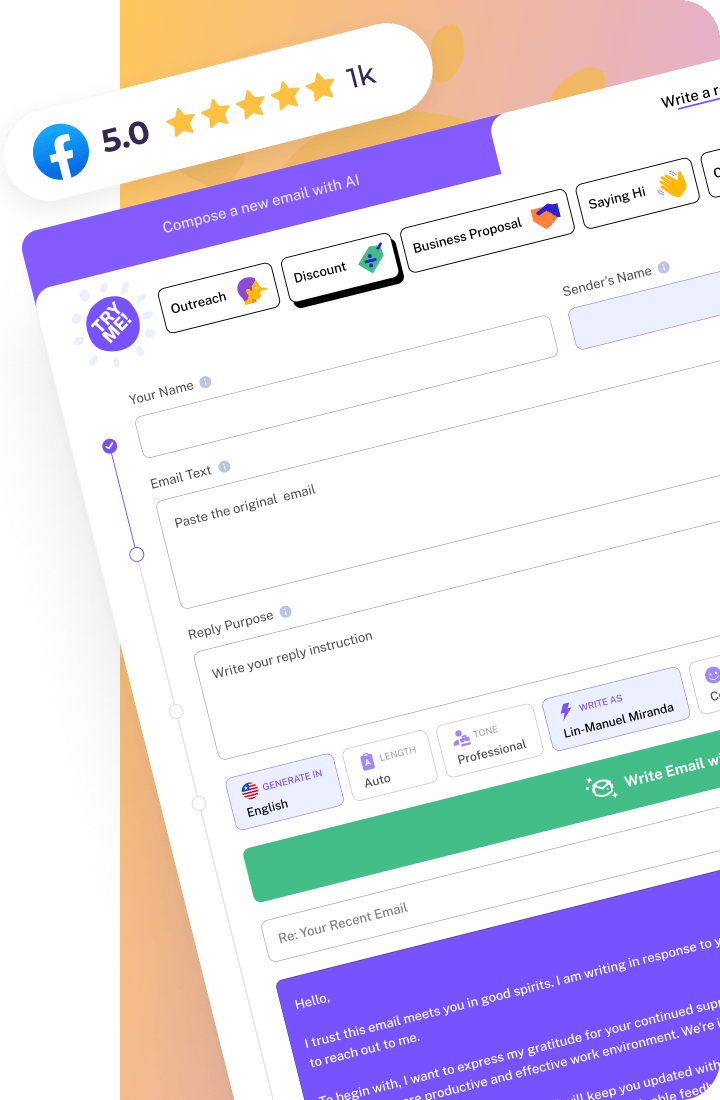
With WriteMail.AI, you can efficiently decide when to CC team members by analyzing your email’s content and context. It offers smart suggestions, ensuring you’re keeping the right people in the loop without inundating their inboxes.