You wrote an email last week that cost your company money. You probably don’t know which one. That’s the problem.
Most professionals think of email as free. You type, you click send, nothing shows up on a balance sheet. But every poorly written email carries a price tag you never see: the confused colleague who spent 20 minutes deciphering your message, the client who chose a competitor because your proposal felt unprofessional, the deal that died because your follow-up landed in spam-looking territory.
Most people have no idea how much until they add it up.
What Poor Email Communication Actually Costs
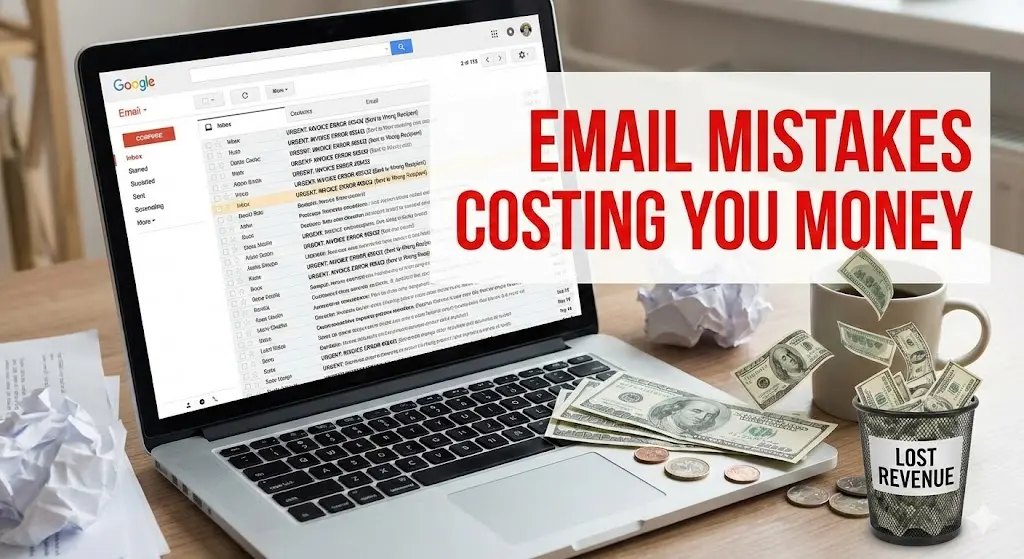
From what I’ve seen across teams of all sizes, poor communication bleeds somewhere between $10,000 and $55,000 per employee per year. For a 50-person company, that’s anywhere from half a million to three million dollars leaking out through confused threads, wasted meetings, and deals that stall.
Where does that money go? It disappears into
- Wasted time on clarification.
Someone sends a vague email. Three people reply asking what they meant. A meeting gets scheduled to discuss what could have been handled in two paragraphs. Multiply this by every unclear message in your organization. By most estimates, the average office worker fields over a hundred emails a day and spends anywhere from 5 to 15 hours a week managing their inbox. If even 10% of those emails require follow-up clarification, you’re burning hours that should go toward actual work.
- Lost opportunities from unprofessional messages.
Your proposal had three typos. Your follow-up email was too long and buried the key point on paragraph seven. Your cold outreach sounded like every other generic pitch. The recipient clicked delete. You never knew what you lost because opportunities that die in the inbox don’t send rejection letters.
- Delayed decisions that cost market position.
Email chains that drag on for days when they should resolve in hours. Approvals stuck because someone’s message wasn’t clear enough to act on. Projects that stall while people wait for responses that make sense.
The Time Drain Nobody Tracks
Your calendar shows meetings. Your project management tool shows tasks. But nothing tracks how long you spent rewriting that email to your VP three times because you couldn’t get the tone right.
Research from cloudHQ reveals that employees spend between 5 and 15.5 hours per week on email. That’s up to two full workdays every single week. And here’s what makes it worse: in my experience, maybe 30% of emails actually need a response right now. The other 70%? They’re either unnecessary, poorly targeted, or so unclear that they create more work than they’re worth.
Think about your own inbox for a second. How many emails have you received this month that made you think “what do they actually want from me?” How many times have you read a message twice, still felt confused, and either fired back a question or just ignored it entirely?
That confusion has a dollar value. If your salary is $75,000 and you spend just one hour per day on email-related friction, that’s $9,000 of your compensation going toward wrestling with poor communication instead of doing your job.
The Five Email Mistakes Costing You Money
Poor email communication isn’t always obvious. Sometimes it’s the emails that feel fine but quietly underperform. Here’s what actually costs you:
- Burying your point.
Most people read emails the way they read news articles. They scan the first few lines and decide whether to keep going. If your main request is hiding in paragraph four, it might as well not exist. Your recipient either misses it entirely or decides they’ll “deal with it later” and never does.
- Writing like a robot.
Professional doesn’t mean stiff. Emails that sound like they were written by a legal department create distance. Your recipient reads “per our previous correspondence, I am writing to inquire as to the status of the aforementioned deliverable” and immediately checks out. They wanted to hear from a human, not a template.
- Matching the wrong tone to your reader.
The email you’d send to your teammate is not the email you’d send to a new client. The message that works for a quick update fails when you’re delivering bad news. Every email exists in a context, and ignoring that context creates friction you won’t notice until you’ve lost something you cared about.
- Sending too many messages.
Every email you send is a small ask on someone’s attention. When you send five emails about something that needed one, you’re not being thorough. You’re training people to ignore you. Their brain starts categorizing your messages as noise.
- Taking too long to write.
This one cuts both ways. You’re either spending 20 minutes crafting a message that should take two, or you’re so afraid of spending time that you send half-baked thoughts that create confusion downstream. Neither approach works.
Before/After Email Examples: The Real Cost of Poor Communication
The Vague Request: How Unclear Emails Multiply Your Workload
The Costly Email:
What this costs you: This email triggers 4-5 clarifying exchanges. “Which report?” “What numbers specifically?” “Which meeting?” “What about the timeline?” A 30-second email turns into a 20-minute thread spread across two days, and Mike still might send the wrong file.
The Email That Gets Immediate Action:
Why this works: Mike knows exactly what file, which data points, and the deadline. The timeline question has a specific proposal he can approve or counter. One email, one response, done.
The Client Follow-Up: When Generic Emails Kill Your Pipeline
The Costly Email:
What this costs you: This email says nothing David hasn’t heard from a dozen other salespeople this week. It gives him no reason to respond and no new information to consider. Your deal goes cold while you wonder why he ghosted you.
The Email That Reopens the Conversation:
Why this works: It references their specific conversation and concern. It provides new, relevant information. It names competitors to create urgency without being pushy. David has a concrete reason to re-engage.
The Reputation Tax You Pay Without Realizing
You already know this, even if it’s uncomfortable: people judge your competence by your emails.
You might be brilliant at your actual job. You might have insights that could transform your department. But if your emails are scattered, full of errors, or confusing to read, your colleagues and clients will unconsciously downgrade their perception of your abilities.
This isn’t fair. But it’s real.
It’s not just a feeling – research from [Grammarly’s State of Business Communication / HBR / actual source] confirms that email quality directly shapes how colleagues and clients rate your competence. That impression forms fast and sticks around. The VP who receives your typo-filled update doesn’t think “they’re probably just busy.” They think “this person isn’t detail-oriented.” Your email is often the first and only impression you make. If you’re communicating with people outside your immediate team, they might never see you present, never watch you solve problems in real-time, never witness your expertise firsthand. They just see your emails. And they form conclusions based on what they see.

Why Traditional Solutions Don’t Work
You’ve probably tried the usual advice. Write shorter emails. Proofread before you send. Use bullet points. Get to the point faster.
These tips aren’t wrong. They’re just incomplete.
The problem isn’t that you don’t know what good email looks like. The problem is that producing good email consistently, under pressure, across dozens of messages every day, is genuinely hard. It’s a skill that requires mental energy you don’t always have.
When you’re rushing between meetings, when you’re tired at the end of the day, when you’re stressed about a deadline, your email quality drops. You know what you should write. You just can’t muster the effort to write it well. So you fire off something adequate and hope it works.
Multiply that across every professional in your organization, every day, and you get the hidden cost nobody tracks.
A Different Approach to Email Communication
What if writing professional, clear, properly-toned emails took two minutes instead of ten? What if you could maintain the same quality at 4pm on a Friday that you had at 9am on Monday?
That’s the premise behind WriteMail.ai, an AI-powered email writing tool that more than 320,000 professionals now use daily.
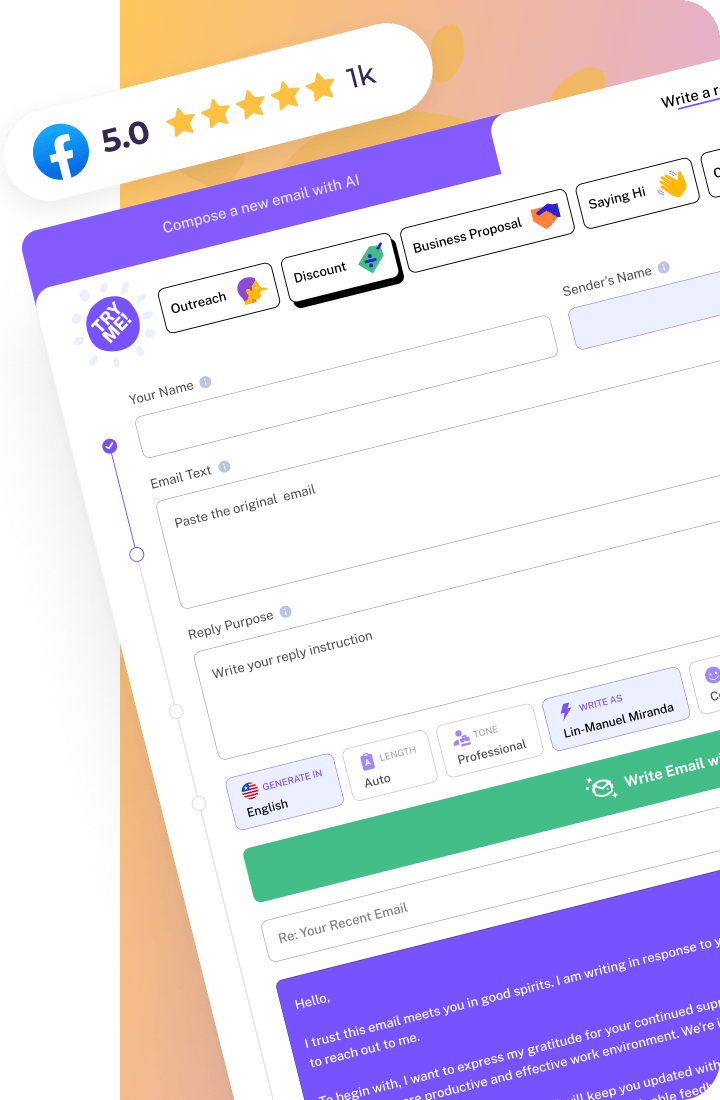
The tool works simply: you tell it what you need to communicate, select your desired tone, and it generates a professional email in seconds. Need to sound more formal for a client? Done. Want a friendlier approach for a colleague? Adjusted instantly. Struggling with how to deliver difficult feedback? The AI handles the delicate phrasing.
This isn’t about replacing your voice or turning your communication into generic templates. It’s about removing the friction between knowing what you want to say and actually saying it well.
The awkward truth: spell-checkers catch typos. Grammar tools fix syntax. Neither one can tell you that your email buried the ask in paragraph four, or that your tone landed wrong for the audience. The gap isn’t in writing mechanics – it’s in communication judgment.
What You Actually Get (And What You Don’t)
- Reclaim Your Time – 87% faster
- Eliminate Miscommunication – AI ensures clarity and structure
- Protect Your Reputation – grammatically perfect every time
- Stop Losing Opportunities – optimized for response rates
- End the Mental Drain – works in 30+ languages
- Accessible to Everyone – free tier + $4.99/mo Pro, 4.9 rating
- None
| Feature |

|
❌ Without WriteMailAI |
|---|---|---|
 Time Spent
|
20 minutes daily (80% reduction) | 2+ hours daily wrestling with emails |
 Writing Speed
|
2-3 minutes (87% faster) | 10-20 minutes per professional email |
 Typos & Grammar
|
Every email grammatically perfect | Errors slip through, undermine credibility |
 Clarity
|
Clear structure → one email, one response | Vague requests → 4-5 clarifying emails |
 Bad News Delivery
|
Direct, solution-focused → trust maintained | Buried problems → destroyed trust |
The cost of poor email communication is real, even if it never shows up on any report. It’s hiding in the hours you lose, the opportunities you miss, and the impression you make without realizing.
You have two options. Keep doing what you’re doing and accept that email friction is just part of work. Or try a different approach.
WriteMail.ai offers a free version. No credit card. No commitment. Just a chance to see what your email could look like when the writing part stops being a struggle.
Your inbox isn’t going anywhere. The question is how much it’s going to cost you.